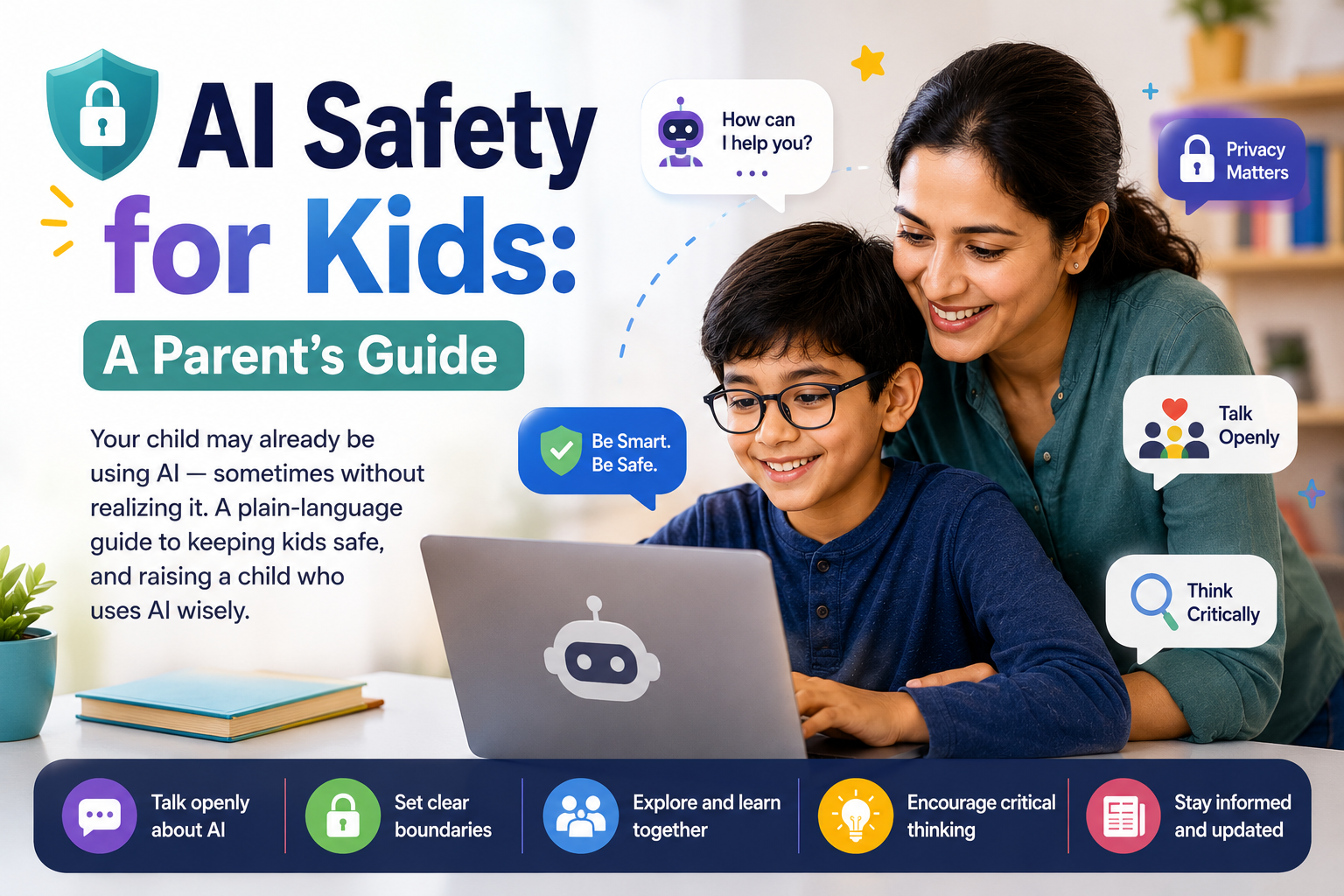
Artificial intelligence went from science fiction to everyday life almost overnight. Your child may already be using AI — in homework helpers, chatbots, image generators, or games — sometimes without even realizing it.
That's not something to fear. But it is something to guide. Here's a plain-language guide to keeping kids safe with AI, and raising a child who uses it wisely.
Why this matters now
AI tools are powerful, free, and everywhere. Used well, they help kids learn, create, and explore. Used carelessly, they can expose kids to wrong information, privacy risks, or content that isn't age-appropriate.
The goal isn't to ban AI — kids will grow up with it the way we grew up with the internet. The goal is to teach them to use it safely and smartly, which is fast becoming an essential life skill.
The real risks, in plain terms
You don't need a tech background to understand the main things to watch for:
1. AI can be confidently wrong. AI tools sometimes "make things up" — stating false facts in a convincing tone. Kids need to know AI is a helper, not a source of truth.
2. Privacy. Whatever your child types into an AI tool may be stored. Kids should never share personal details — full name, address, school, phone number, or photos.
3. Not-for-kids content. Many AI tools are built for adults and don't have strong filters. Without supervision, kids can stumble onto content that isn't age-appropriate.
4. Over-reliance. If AI does the thinking, kids don't build the thinking. Used as a shortcut for homework, it can quietly stall real learning.
5. Not knowing it's AI. Kids may not realize a "friendly" chatbot isn't a real person, or that an image or video is fake.
Simple family rules that work
You don't need complicated software. A few clear rules go a long way:
- Use AI together, especially at first. Sit with younger kids the first several times.
- Keep it in shared spaces. AI use happens in the living room or kitchen, not behind a closed door.
- The "never share personal info" rule. Make it as automatic as looking both ways before crossing.
- "Check it, don't trust it." Teach kids to double-check AI answers — especially facts and homework.
- Use kid-appropriate tools. Choose tools designed for children, or ones with parental controls turned on.
- Talk about feelings. Remind kids that AI isn't a real friend and can't replace people.
How to talk to your kids about AI
Keep it curious, not scary. A few conversation starters:
- "How do you think this AI knows the answer?"
- "Do you think everything it says is true? How could we check?"
- "Why should we never tell it our real name or address?"
These questions build critical thinking — the single best protection, because it works even when you're not in the room.
The other side: AI is a skill worth teaching
Here's the reframe: the kids who thrive won't be the ones who avoided AI — they'll be the ones who learned to use it well. Understanding how AI works, where it fails, and how to guide it is quickly becoming as fundamental as reading or typing.
When kids learn AI hands-on, in a guided and age-appropriate setting, something clicks. They stop seeing it as magic and start seeing it as a tool they control. And that understanding is the best safety net of all: a child who knows how AI works is far harder to fool.
What to do next
If you'd like your child to learn AI the safe, hands-on way — building real projects while learning how AI actually works — that's exactly what our live, instructor-led AI classes are designed for.